Start with the problem, not the tool

A companion to Chapter 14 of the book, Designing Effective Learning Tools. The same ideas in several forms: film, conversation, 2 infographics, a mind map and 6 activities. Start with whichever suits you.


Chapter 14 in two minutes

Many learning tools are built around what the technology can do. They measure whatever is measurable and hand over long reports that nobody has time to read. Chapter 14 argues that design should begin with the learning problem: what a trainer needs to know before a session, and how learners actually process information.

That means managing cognitive load for the people using the tool. A concise summary of a group's preferences is more useful than a data dump. Tools should also explain how they reach their conclusions, so trainers can act on recommendations with professional confidence rather than blind trust.

The educator stays central. Good tools present options rather than directives, and add to professional judgement instead of automating it. Privacy, data minimisation and freely given consent are treated as design requirements from day one, and tools grounded in how learning works keep their value as technology changes.

Impressive and useful are different qualities, and only one of them survives a session.

Watch or listen

Prefer to take it in by eye or by ear? Both cover the core ideas of Chapter 14 in a few minutes.

Film, 2 min

How to design ed-tech that actually works

Why learning tools should start from the problem a trainer faces, not from what the platform can measure. Captions are built in.

Conversation, 6 min

Ed-tech needs psychology, not raw data

A conversation about cognitive load, explainable recommendations and keeping the educator in charge of teaching decisions.

0:000:00

Chapter 14 at a glance

A quick overview, then the full argument with the evidence. Select either one to see it full size.

Designing Tools for Human Intelligence
Infographic with five principles for human-centred tool design: start with the problem, not the tool; manage cognitive load for users; keep the educator central to delivery; build transparency to earn trust; and integrate ethical design from day one.
Designing for Impact: The 6 Principles of Effective Learning Tools
Detailed infographic in two phases. The human-centred foundation: solve the problem, not the tech; support the educator, don't replace; build trust through explainability. Cognitive and ethical execution: minimise cognitive overload; ethics as a design requirement; design for technology agility. A table compares technology-led and user-led design: platform capabilities against the specific learning problem, data dumps against concise summaries, and the educator sidelined against the educator supported.

How the ideas connect

Every idea in Chapter 14 on one page. Look at it before you read to see the shape of the argument, or afterwards as a recap.
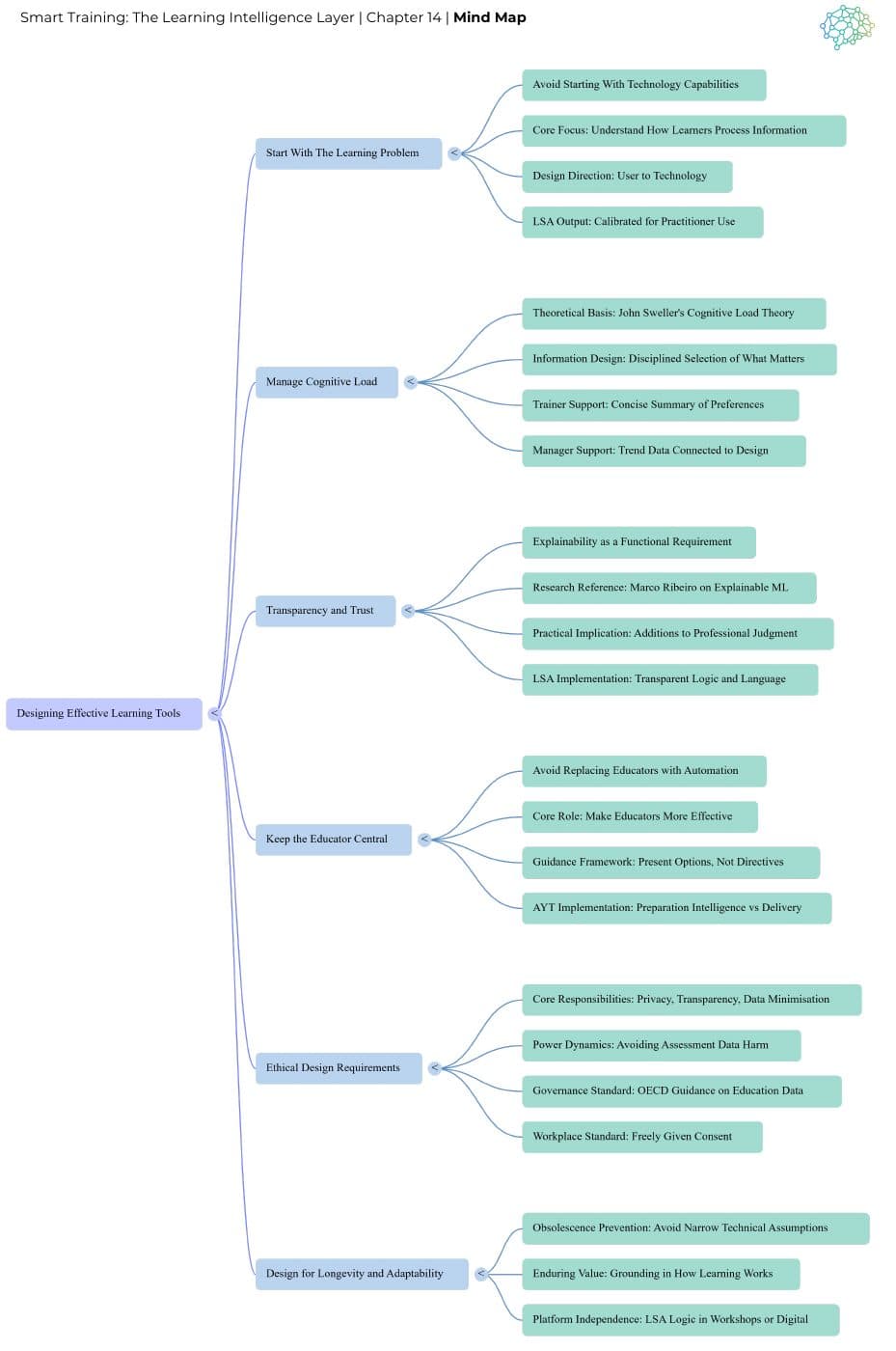
Mind map of Chapter 14.

Put it into practice

Short activities to run with a group or work through on your own. Each one has a printable card.

With a group (3)

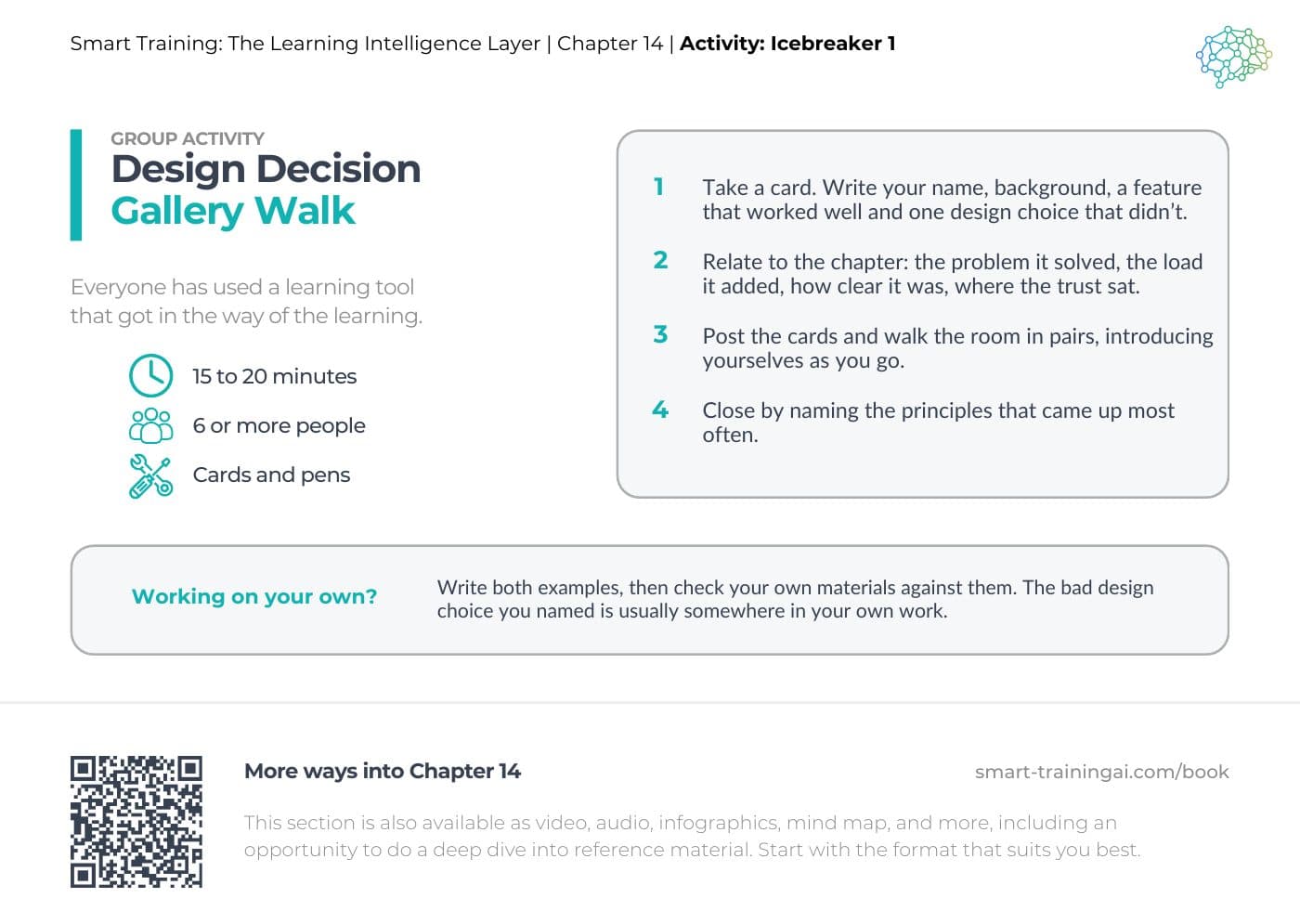
  • Printable card for Design Decision Gallery Walk
    Time
    15 to 20 minutes
    Who
    6 or more people
    You will need
    Cards and pens

    Icebreaker

    Design Decision Gallery Walk

    Everyone has used a learning tool that got in the way of the learning.

    1. Take a card. Write your name, background, a feature that worked well and one design choice that didn’t.
    2. Relate to the chapter: the problem it solved, the load it added, how clear it was, where the trust sat.
    3. Post the cards and walk the room in pairs, introducing yourselves as you go.
    4. Close by naming the principles that came up most often.

    Working on your own? Write both examples, then check your own materials against them. The bad design choice you named is usually somewhere in your own work.

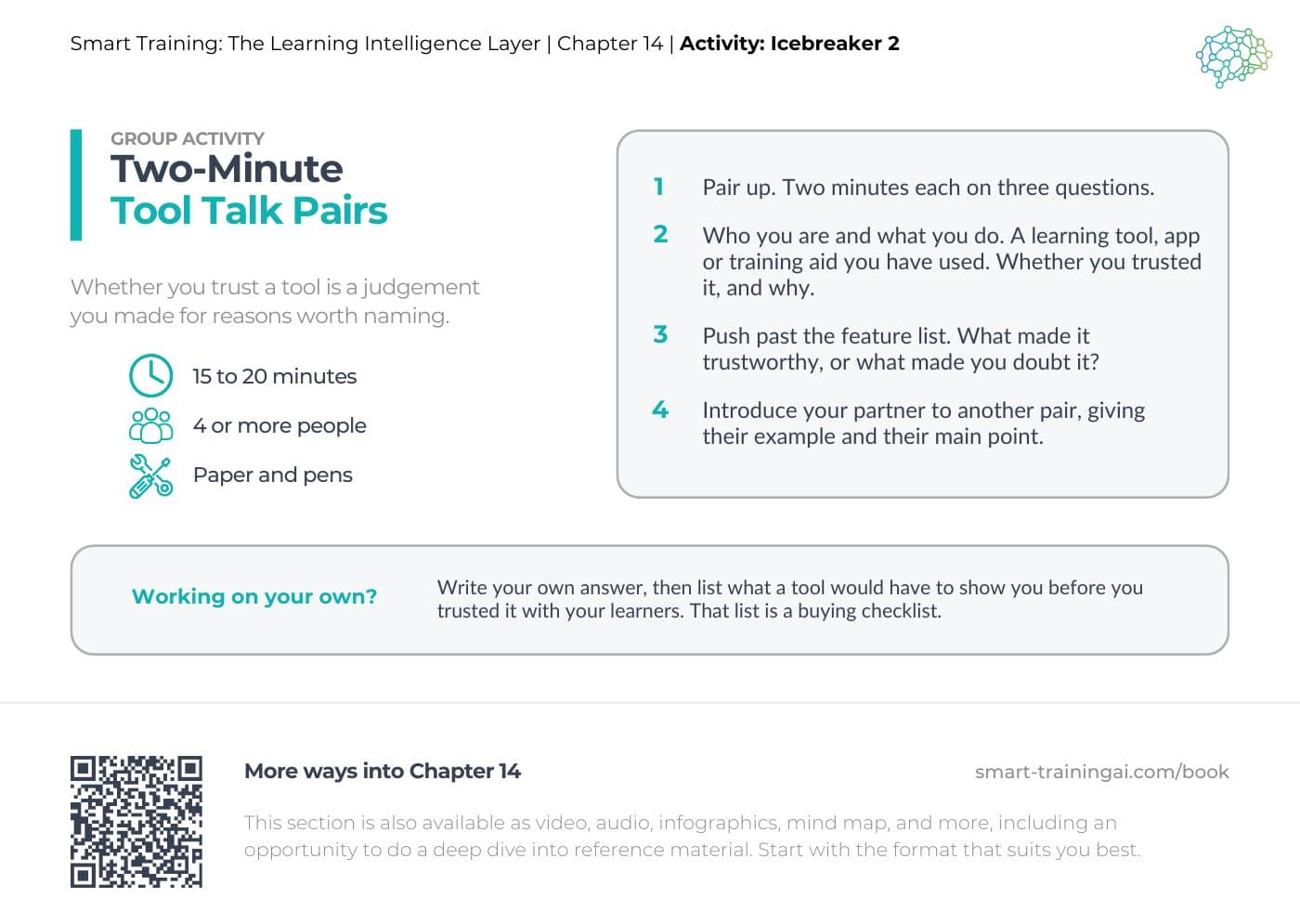
  • Printable card for Two-Minute Tool Talk Pairs
    Time
    15 to 20 minutes
    Who
    4 or more people
    You will need
    Paper and pens

    Icebreaker

    Two-Minute Tool Talk Pairs

    Whether you trust a tool is a judgement you made for reasons worth naming.

    1. Pair up. Two minutes each on three questions.
    2. Who you are and what you do. A learning tool, app or training aid you have used. Whether you trusted it, and why.
    3. Push past the feature list. What made it trustworthy, or what made you doubt it?
    4. Introduce your partner to another pair, giving their example and their main point.

    Working on your own? Write your own answer, then list what a tool would have to show you before you trusted it with your learners. That list is a buying checklist.

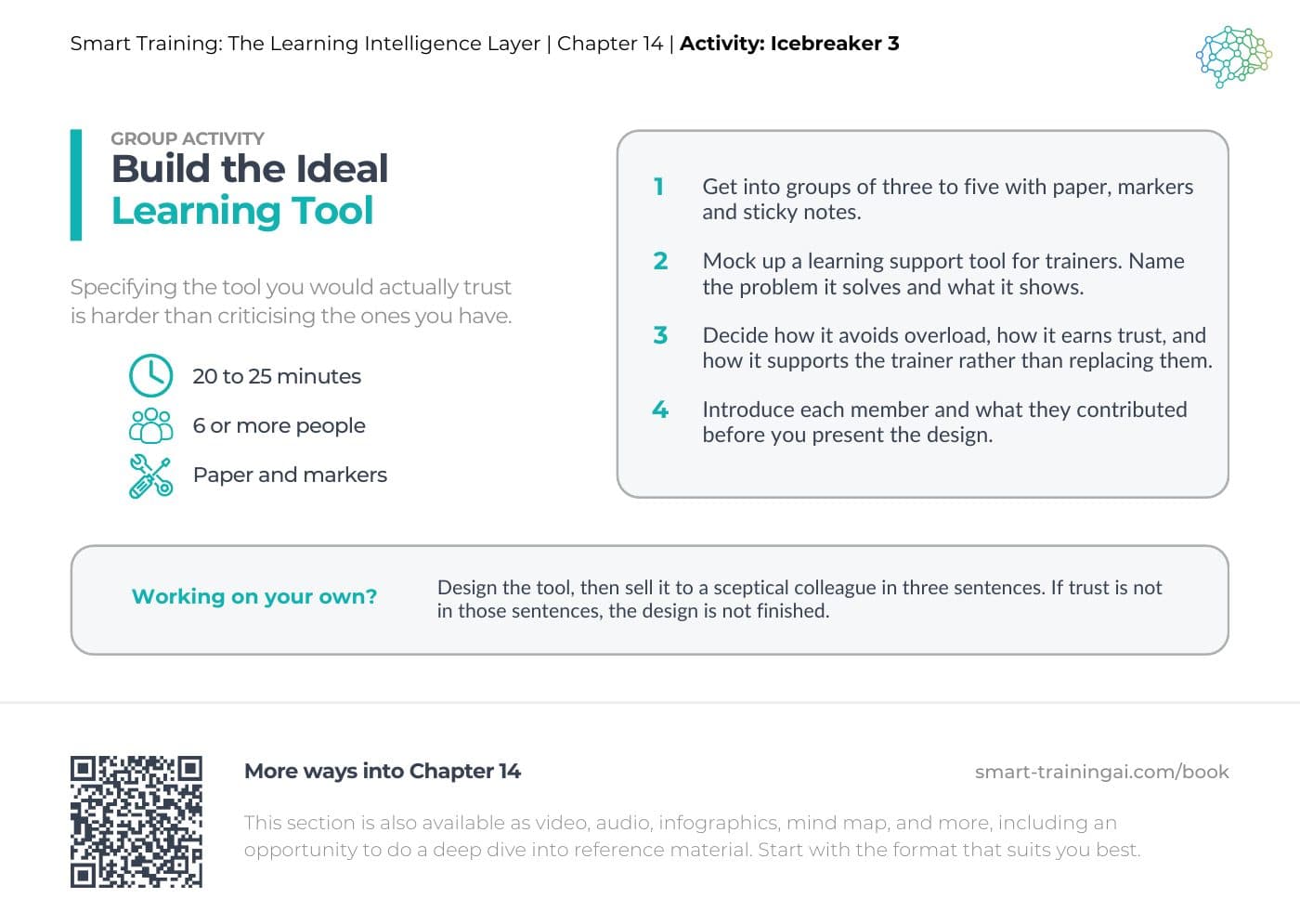
  • Printable card for Build the Ideal Learning Tool
    Time
    20 to 25 minutes
    Who
    6 or more people
    You will need
    Paper and markers

    Icebreaker

    Build the Ideal Learning Tool

    Specifying the tool you would actually trust is harder than criticising the ones you have.

    1. Get into groups of three to five with paper, markers and sticky notes.
    2. Mock up a learning support tool for trainers. Name the problem it solves and what it shows.
    3. Decide how it avoids overload, how it earns trust, and how it supports the trainer rather than replacing them.
    4. Introduce each member and what they contributed before you present the design.

    Working on your own? Design the tool, then sell it to a sceptical colleague in three sentences. If trust is not in those sentences, the design is not finished.

On your own (3)

  • Printable card for Designing Tools That Get Used
    Time
    20 to 30 minutes
    Who
    On your own
    You will need
    Notebook or journal and pen

    Journaling

    Designing Tools That Get Used

    Impressive and useful are different qualities, and only one of them survives a session.

    1. Without looking back, write the main point of the chapter and three principles you remember.
    2. Pick one principle and say why it matters, and what goes wrong when it is ignored.
    3. Describe a tool you have used that looked good and did not help. What problem should it have solved?
    4. Finish two sentences: a useful learning tool should, and a harmful learning tool is one that.

    Working with a group? Collect the two closing sentences from everyone. Side by side they make a design brief nobody had to be asked to write.

  • Printable card for Redesign a Tool Nobody Uses
    Time
    25 to 35 minutes
    Who
    On your own
    You will need
    Paper and pen

    Problem solving

    Redesign a Tool Nobody Uses

    12 pages per learner, unexplained scores, and nobody knows what to do with it.

    1. List five design problems, naming the principle each one breaks.
    2. Decide what the trainer actually needs before a session, and cut everything else.
    3. Rewrite the output: a short group summary, two or three suggestions, and a plain explanation of where they came from.
    4. Say how learner data should be handled, and where the trainer’s judgement stays.

    Working with a group? Each person cuts the tool down alone, then compare what survived. The overlap is the minimum useful product.

  • Printable card for More Data or Better Decisions
    Time
    30 to 40 minutes
    Who
    On your own
    You will need
    Paper and pen

    Worksheet

    More Data or Better Decisions

    A tool that answers the wrong question thoroughly is still answering the wrong question.

    1. Read Approach A. A dashboard giving fourteen pages of learner data, several technical scores, and automated teaching instructions. There is no summary, no explanation of how conclusions were reached, and no way for the trainer to adapt or override what it says.
    2. Read Approach B. A short pre-session brief: a group summary, three practical suggestions, and a plain explanation of where they came from. Only what is needed for planning, with prompts for trainer judgement and clear limits on how learner data is used.
    3. Compare them: what each one asks the trainer to do; how much unnecessary effort each creates; where trust comes from, or fails to; what happens to professional judgement.
    4. Critique both. What is the case for showing everything? Why would trainers stop opening it? What does restraint buy? Can concise become oversimplified?
    5. Make a judgement. Your organisation has to pick one. Recommend it, name the principles behind your decision, and state what must be fixed before rollout. Finish the sentence: The central design mistake in learning tools is…
Smart Training AI logo

Empowering trainers to boost engagement and results through targeted, adaptive learning

© 2025 Smart Training AI™ All rights reserved.